
MO270 is a non-invasive moisture analyzer for wood, particle board, carpeting, ceiling and bathroom tiles and sheet rock.
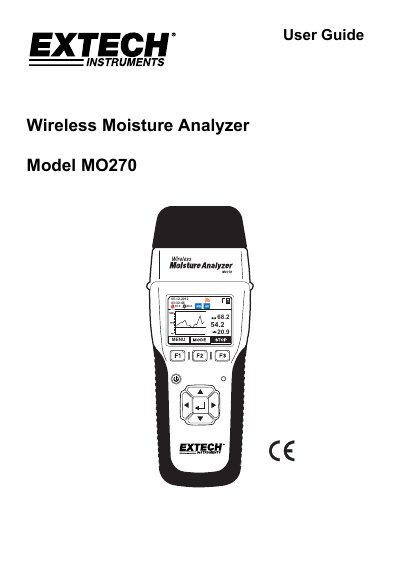
This user guide explains how to operate the Extech MO270 wireless moisture analyzer for non-invasive and pin-based moisture measurements. It covers initial setup, battery charging, measurement procedures, alarm settings, and maintenance. The device features detachable sensors, Bluetooth connectivity, and a graphical display for easy reading. Proper setup includes switching ON two hidden slide switches before use.
The MO270 detects moisture in wood, particle board, carpeting, and ceiling/bathroom tiles non-invasively; it also measures moisture in sheet rock and other building materials using pins.
The wireless sensor transmits data up to 65ft (20m) to the analyzer’s display.
Press and hold the power button for 3 seconds to switch the analyzer ON.
The analyzer must be placed so that the sensor lies flat against the surface of the material under test.