
The document is the user manual of EasyView digital light meter, which introduces the functions and features of the product and how to use it.
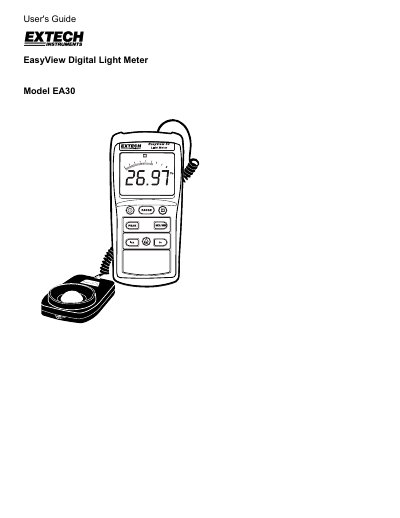
The Extech EA30 EasyView Digital Light Meter is a handheld instrument designed to measure light levels (illuminance) in Lux or Foot Candles. It features a multi-function 3-3/4 digit LCD display with a bargraph indicator and a silicon photo-diode sensor. The device supports various measurement functions including peak hold, data hold, maximum/minimum recording, and relative mode calculations.
| Measurement Ranges (Lux) | 40.00, 400.0, 4000, 40.00k, 400.0k |
|---|---|
| Accuracy (Lux) | ± (3% Rdg + 0.5% FS) |
| Display Type | Multi-function 3-3/4 (3999) digit LCD with Bargraph indicator |
| Photo Detector | Silicon photo-diode with spectral response filter |
| Operating Temperature | 32 to 104°F (0 to 40°C) |
| Power Supply | 6 'AAA' cells |
The meter measures up to 40,000 Fc and 400,000 Lux.
Remove the rear (center) battery compartment screw and replace the six 1.5 'AAA' batteries, observing polarity.
The 'BT' symbol appears on the LCD when the battery power falls low.
Press and hold the PEAK button until the 'P+' icon disappears.