
EDN Series Mini Indoor IP Dome Camera User’s Manual, introduces how to operate and use the product, such as installation, connection, usage instructions, etc.
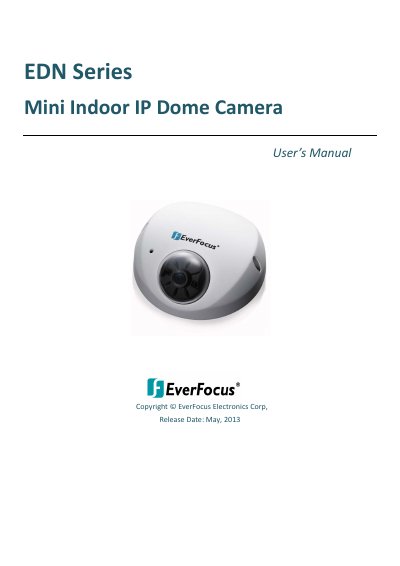
This manual provides step-by-step instructions for installing and configuring the EverFocus EDN Series mini indoor IP dome cameras. It covers physical setup, network configuration, user interface access, playback, and system settings. The cameras support H.264, MPEG4, and MJPEG compression, offer WDR and DNR features, and include a built-in micro SD card slot and PoE capability. The manual also includes troubleshooting tips and firmware upgrade procedures.
| Resolution | Up to 2048 x 1536 (15 fps, EDN 1320 only) |
|---|---|
| Video Compression | H.264, MPEG4, MJPEG |
| Lens Options | Selectable fixed lens (2.8mm, 3.6mm, 6mm, 8mm) |
| Power Source | 12 VDC / PoE |
| Operating Temperature | -10℃ ~ 50℃ (14℉ ~ 122℉) |
| Humidity | 20% to 85% |
| Camera Models | EDN 1120 (1.3 MP), EDN 1220 (2 MP), EDN 1320 (3 MP) |
The camera supports H.264, MPEG4, and MJPEG compression formats.
The maximum resolution is 2048 x 1536 at 15 fps, available only on the EDN 1320 model.
The camera supports 12 VDC or Power over Ethernet (PoE).
The camera operates between -10℃ and 50℃ (14℉ to 122℉).