
Installation guide for the EverFocus EVS410 video encoder, covering package contents, computer requirements, wiring, network configuration, and IP address…
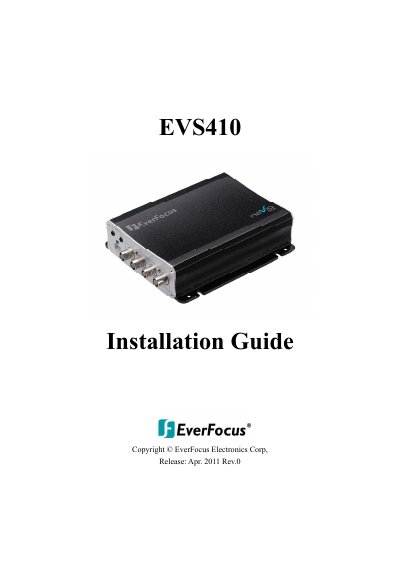
This guide provides instructions for the basic installation and wiring of the EverFocus EVS410 video encoder. It details how to confirm package contents, verify minimum computer requirements, and understand the front and rear panel connections. The document also explains how to set up network connections and assign an IP address using the provided utility software.
| CPU Requirement | Intel Core2 Duo 2 GHz or higher |
|---|---|
| Memory Requirement | 1 GB RAM or more |
| Network Card | 100 Mbps |
| Screen Resolution | 1024 x 768 pixels or higher |
| Operating System | Windows XP, Vista, 7 (32bit) |
| Power Input | 12VDC |
The default User ID is 'user1' and the default password is '11111111'.
The default network setting for the video encoder is DHCP.
The IP utility software included on the supplied CD is the recommended tool.