
This manual describes the use of VANGUARD 16x8 / 8x4 / 4x2 16CH / 8CH / 4CH Hybrid DVR.
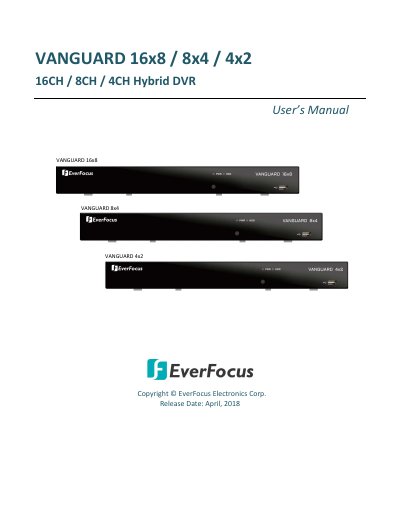
This manual covers the EverFocus VANGUARD series of hybrid DVRs, which support AHD, TVI, SD, and IP cameras. The devices operate on a Linux-based system and can install up to two SATA HDDs with a total capacity of 12TB. An eSATA port is available for connecting external storage devices. Users can manage the system via a local OSD menu or a Web interface.
| Supported Camera Types | AHD/TVI/SD cameras and IP cameras |
|---|---|
| Operating System | Linux-based system |
| HDD Capacity | up to 12TB |
| Power Supply | 12VDC, 5A |
| Operating Temperature | - 10°C~55°C |
The VANGUARD series DVRs support AHD, TVI, SD cameras and IP cameras.
The DVRs are able to install 2 SATA HDDs.
Yes, an eSATA port is provided for connecting to an external eSATA storage device.