
The EverFocus EDVR SERIES instruction manual provides product overview, installation steps, menu setup, recording, playback, networking, and troubleshooting…
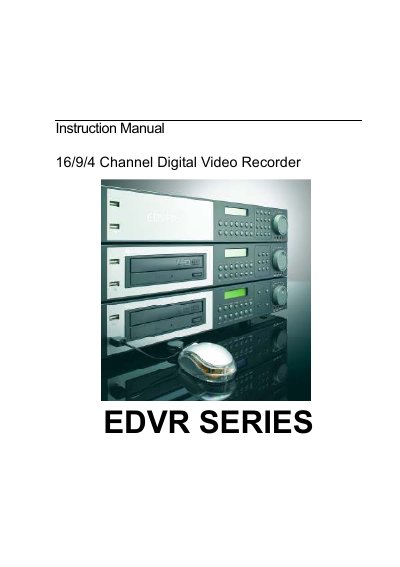
This manual introduces the EverFocus EDVR SERIES digital video recorder, detailing its 16/9/4‑channel video capabilities, front‑panel keys, back‑panel connections, and monitor display options. It also lists the main features and technical specifications of the unit.
The guide walks users through unpacking, wiring, and final installation, then explains the DVR menu system for time/date, camera, record, alarm, motion, network, and other settings. Additional sections cover recording modes, playback functions, video copying, remote control, firmware upgrades, networking configuration, port forwarding, DDNS setup, and troubleshooting procedures.
| Input Power | AC100~240V |
|---|---|
| Relative Humidity | Below 90% |
| Channel Configuration | 16/9/4 Channel |
Check that the unit is wired correctly and that it receives the proper power; also verify that all cables are functioning.
Make sure the hard‑drive is locked in with the keys and set to Cable Select (C.S.) as indicated on the hard‑drive label.