
User manual for EverFocus EPR120, a device for viewing and transferring data from HDD digital video recorders to PC.
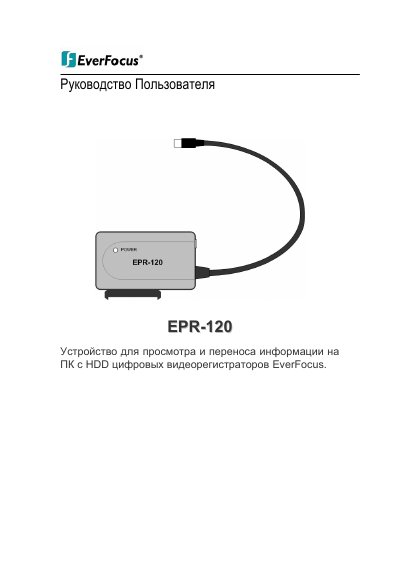
This user manual covers setup and operation of the EverFocus EPR120, a device for reading and transferring data from HDD digital video recorders. It includes instructions for installing software, connecting the device to a PC, connecting an HDD, and using the DVR Reader software to play, archive, and snapshot video. The manual also details system requirements and device specifications. This manual is written in Russian.
| Video Recorders Compatibility | EMV400 |
|---|---|
| Power Supply | DC12V, 2A max via adapter, AC110/230V |
| Dimensions | 78 x 60 x 16 mm |
| USB Interface | USB 3.0 (USB 2.0 compatible) |
Connect the USB cable to the device and PC, then connect the power adapter to the device and plug it into the wall outlet.
Install the DVR Reader software from the CD included in the package, following the on-screen instructions.
Select the channel, go to 'Menu' > 'Tool' > 'Archive', choose a folder, name the file, and select the file type (.avi, .avr, or .txt).
Select the channel, right-click in the video window, choose 'Snapshot', and specify the folder to save the image.