
This is a user manual for the EZN7221/7260/7360 network camera
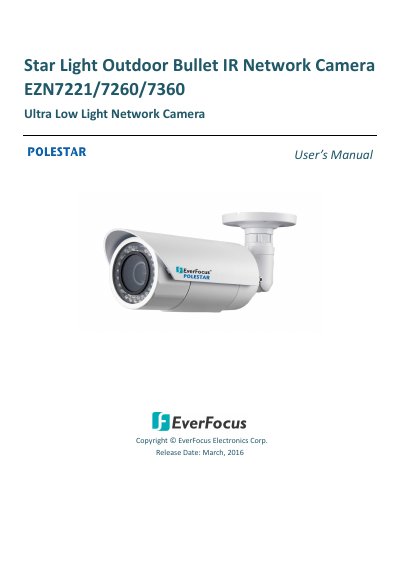
This manual provides instructions for the EverFocus EZN7221/7260/7360 POLESTAR Series outdoor bullet-type IP cameras. These cameras deliver up to 3 MP image quality and feature a Sony 1/2.8" CMOS sensor for clear images in low-light conditions. They support dual streams, ONVIF compliance, and triple power inputs including PoE.
| Image Sensor | 1/2.8" SONY progressive CMOS |
|---|---|
| Max Resolution | 2048 x 1536 |
| Frame Rate | 30fps @ 1080p |
| IR Range | 40M / 131ft |
| Protection Rating | IP66 |
| Power Input | 12VDC / 24VAC~ / PoE |
The computer must run Windows 7 or above with an Intel Core i5 CPU or higher, 2GB RAM, and an 100 Mbps network card.
Press and hold the Reset Button for 5 seconds.
The camera has an extended IR range of up to 40 meters (131 feet) using 44 LEDs.