
This document is the user manual of Ergotron WorkFit-T Sit-Stand Desk Riser
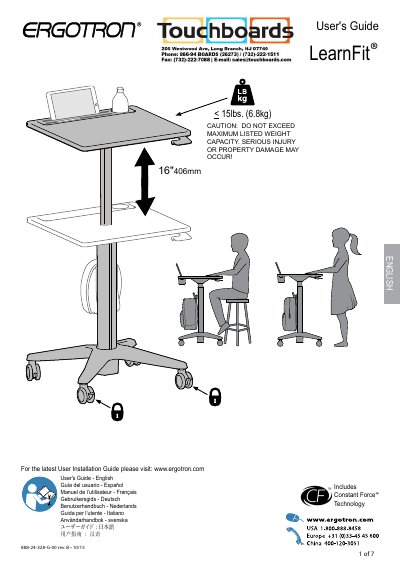
This user guide explains how to safely install and use the Ergotron WorkFit-T sit-stand desk riser. It includes component descriptions, step-by-step setup, and safety warnings. The riser uses Constant Force™ technology and has a maximum weight capacity of 10 lbs (4.5 kg). Safety precautions emphasize keeping the unit upright and avoiding tipping or overloading.
The guide also provides ergonomic workstation setup tips, such as screen height, keyboard angle, and posture advice to reduce fatigue during use.
| Maximum Load Capacity | 10 lbs (4.5 kg) |
|---|---|
| Product Technology | Constant Force™ |
| Product Size | 16" (406mm) |
The maximum weight capacity is 10 lbs (4.5 kg).
Loosen the two screws to lift and lower the hook to the desired height, then lift the brake release lever to raise or lower the riser.
Push the tab with a tool (like a hex wrench max 4mm diameter) while removing the work surface. Requires two people.