
This is an installation guide for the StyleView® SV43/44 supplemental drawer, which details the installation process and precautions
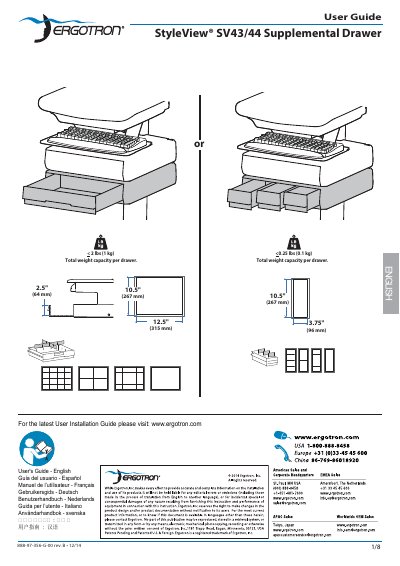
This guide provides step-by-step instructions for installing supplemental drawers on Ergotron StyleView® SV43/44 carts. It covers hardware assembly, cable connections, weight limits, and adjustment procedures to ensure safe operation. Safety warnings and troubleshooting for drawer systems are also included.
The guide includes PIN programming for user access, troubleshooting for LED indicators, and instructions for adjusting lift tension to accommodate different loads. It also details how to handle multiple drawer rows and the importance of re-adjusting after equipment changes.
Total weight capacity per drawer is 2 lbs (1 kg) or less.
Lower the worksurface to the lowest position, turn the adjustment nut counterclockwise until it stops, which may require 40-60 revolutions.
Follow the adjustment instructions to loosen or tighten the tension to create smooth, easy movements.
Enter Master PIN, press 1 for User PIN Entry Mode, input new PIN, and press ENTER. LEDs will blink green if accepted.