
Instruction manual, introducing the printer's use method
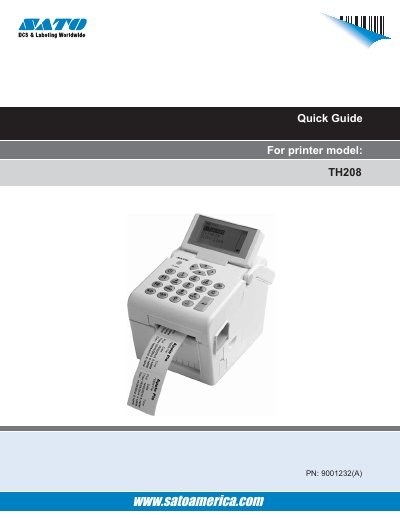
This quick guide provides safety instructions and basic setup for the SATO TH208 printer. It includes warnings about unstable surfaces, liquids, and electrical safety. Sections cover accessories, parts identification, charging, and power usage. The guide also advises on proper installation, environmental conditions, and maintenance safety.
The document is structured with a table of contents and detailed safety precautions, including handling the power cord, avoiding moisture, and proper media loading. It is intended for users to safely install and operate the printer.
Press and hold the power button for one second to turn on the power, or press and hold it for three seconds to turn off the power.
The printer requires an AC power supply and must be connected to a grounded power outlet via the supplied AC adapter.
Immediately turn off the power switch, unplug the power cord from the outlet, and contact your SATO reseller or technical support center.