
This is a user guide for Evolis card printer. It introduces the operation methods and precautions of the printer.
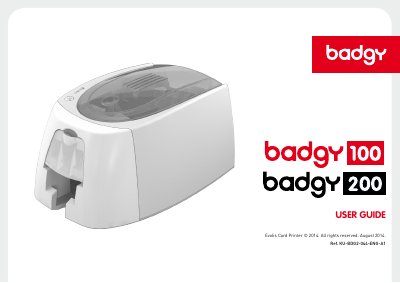
This user guide helps you set up and operate your Evolis Badgy100 or Badgy200 card printer. It covers unboxing, installation, connecting power and USB cables, loading cards and ribbons, and using the printer’s control panel. The guide also includes technical specifications, warranty details, and troubleshooting resources.
For optimal performance, use only Evolis-supplied ribbons and ISO 7810 certified cards. The printer supports color sublimation and monochrome thermal transfer, with print speeds up to 240 cards per hour in monochrome mode. Software like Badgy Premium Suite is included for design and management.
| Printing Mode | Color sublimation and monochrome thermal transfer |
|---|---|
| Print Head Resolution | 300 dpi |
| Card Feeder Capacity | 25 cards (0.76 mm) or 40 cards (0.5 mm) |
| Print Speed (Monochrome) | 11 seconds per card (240 cards per hour) |
| Compatible Operating Systems | Windows XP SP3, Vista, 7 & 8 (32 & 64 bits) |
The printer includes a power supply unit, mains power cable, USB cable, installation CD-ROM with software and drivers, and a consumables kit with a color ribbon and PVC cards.
No, using non-Evolis ribbons may damage the printer and void the warranty.
The printer comes with a 1-year warranty covering the printer and print head.