
This is a user manual for a card printer
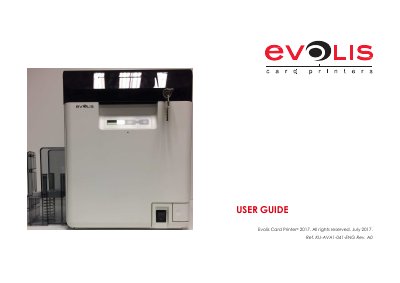
This manual guides users through installing and operating the Evolis Card Printer. It covers safety precautions, component setup, and printer features. Technical specs include dual-sided printing, 600 dpi print head, and support for various card types and encoding modules. The printer is designed for high-quality card and badge printing using Evolis consumables.
| Print Resolution | 600 dpi |
|---|---|
| Print Head | 23.6 dots/mm |
| Card Thickness | 0.76mm (30 mil) |
| Card Format | ISO CR80 - ISO 7810 (53.98 x 85.60 mm) |
| Dimensions | 436x340x330 mm |
| Weight | 22 kg |
| Memory | 64 MB |
| Print Speed | 25 s/card (single side) |
| Interfaces | Ethernet TCP-IP10BaseT,100 Base T |
It supports PVC, composite PVC, PET-F, PET-G, polycarbonate, and ABS cards.
The printer has a 3-year warranty, with a lifetime warranty on the print head.
It has Ethernet TCP-IP10BaseT,100 Base T connectivity.
The maximum card thickness is 0.76 mm (30 mil).