
Evolis Color Touchscreen User Guide

This is a user guide that describes the features and characteristics of Evolis' Color Touchscreen.
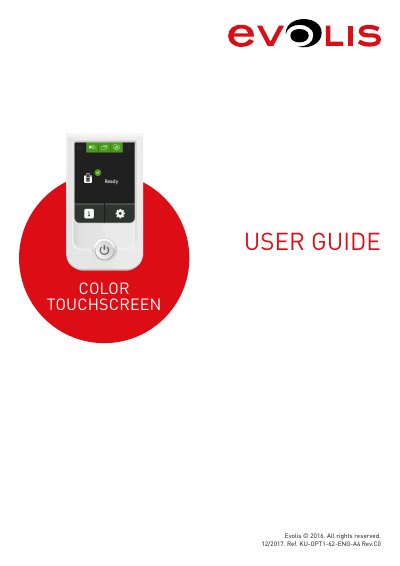

Evolis Color Touchscreen User Guide - cover page
Brand
Evolis
Category
Other Electronics
Document type
User Manual
Language
English
Pages
40
File format
PDF
File size
1.7 MB
Published
17 October, 2023
Updated
17 October, 2023
MD5 checksum
AD1D7506CB5661FB9C794B910FB8E6A5

About this manual

This manual provides step-by-step instructions for using the Evolis Color Touchscreen, a peripheral device designed to display printer status and allow configuration. It explains how to navigate the touchscreen interface, access information menus regarding the printer and firmware, and manage settings for the device and printer.

What's inside

  • Getting Started
  • Description of the Touchscreen
  • Screen Navigation
  • Home Page
  • Information Menu
  • Settings Menu
  • Launching a Cleaning Cycle
  • Warnings and Diagnostics
  • Specifications

Frequently asked questions

What languages are available for the touchscreen messages?

The LCD screen is a communication and configuration interface. The information and messages displayed are available in 16 languages.

What is the resolution of the touchscreen?

The resolution is 240 x 320 dpi, 16 bpp.

What is the minimum printer serial number required for compatibility?

Compatible with printers produced after March 2013 (serial number SN≥10000295187).

Download PDF (1.7 MB)

More Evolis Manuals


View all Evolis manuals →