
This is a user guide for Evolis Badgy 2 card printer. It mainly introduces how to use the card printer, how to install the print head, how to connect the network, etc.
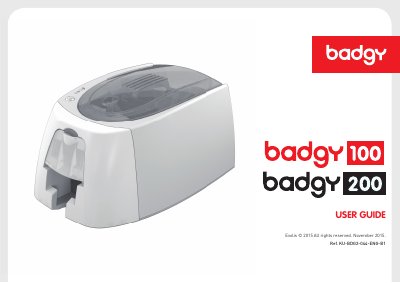
This user guide provides step-by-step instructions for setting up and using the Evolis Badgy 2 card printer. It covers unboxing, installation, ribbon and card loading, and printer management via the Badgy Print Center. The guide also details technical specifications, including print resolution, card capacity, and supported operating systems.
Maintenance and safety are emphasized, including regular cleaning, proper power handling, and using only Evolis-approved consumables to avoid voiding the warranty.
| Printing Resolution | 260 x 300 dpi |
|---|---|
| Card Feeder Capacity | 25 cards (0.76 mm) / 40 cards (0.5 mm) |
| Print Speed (Color) | 45 seconds per card (80 cards/hour) |
| Print Speed (Monochrome) | 11 seconds per card (240 cards/hour) |
| Operating Temperature | 15° to 30° C |
| Power Supply | 100-240 volts AC, 50-60 Hz, 1.7 A |
| Dimensions | 147 x 200 x 276 mm |
| Weight | 1.7 kg |
Only Evolis original ribbons are compatible. Using ribbons from other suppliers may damage the printer and void the warranty.
The feeder can hold up to 25 cards (0.76 mm thick) or 40 cards (0.5 mm thick).
Windows XP SP3, Vista, 7 & 8 (32 & 64 bits). Mac support is limited to driver installation only.
The printer comes with a 1-year warranty covering the printer and print head, extendable via www.badgy.com.