
This document is a user manual introducing the usage of Evolis Card Printer
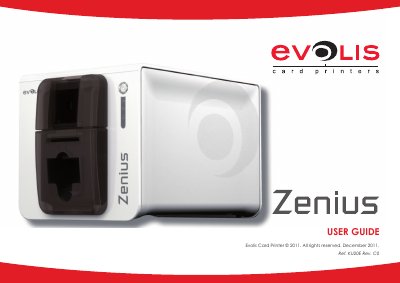
This manual guides users through installing and operating the Evolis Card Printer. It covers unpacking, connecting power and USB cables, loading cards and ribbons, adjusting card thickness, and managing output. Technical specs include 300 dpi print head, 120 YMCKO cards/hour, and support for ISO 7810 cards. Contactless smartcard encoding is also supported via a built-in antenna module.
| Print Head Resolution | 300 dpi (11.8 dots/mm) |
|---|---|
| Printing Speed (YMCKO) | 120 cards/hour |
| Card Thickness Range | 0.25 to 0.76 mm |
| Card Format | ISO CR80 - ISO 7810 (53.98 mm x 85.60 mm) |
| Output Hopper Capacity | 20 cards |
The card feeder holds a maximum of 50 cards with a thickness of 0.76 mm.
No, using non-Evolis ribbons may damage the printer and void the warranty.