
Securion User Guide, contains product instructions, product features and usage precautions
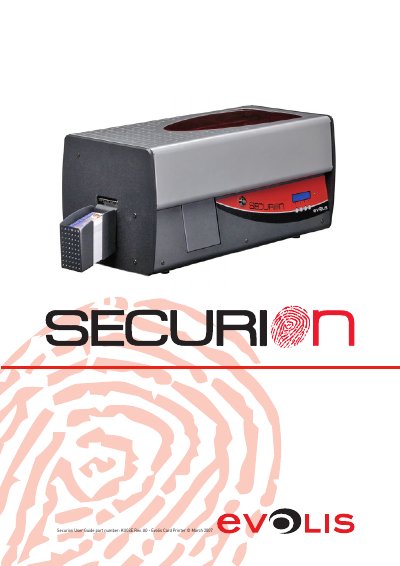
The Evolis Securion is a card printer designed for personalizing highly secure badges. It combines high-quality printing and laminating with magnetic and contact/contactless smart card encoding. The device is suitable for small to mid-volume runs and supports various card types, offering durability of 5 to 10 years through plastic lamination.
| Weight | 15 kg (33 Lbs) |
|---|---|
| Card thickness range | 0.25 mm to 1 mm |
| Print resolution | 300 dpi |
| Reject box capacity | 15 cards |
| Card feeder capacity | 100 cards |
| Lamination durability | 5 to 10 years |
The printer must be set up in a dry, well-ventilated location protected against dust and air currents.
Yes, the printer supports encoding of both contact and contactless smart cards.
Only the VP ELECTRONIQUE type PAC150M power supply delivered with the printer should be used.