
This user manual introduces the features and usage methods of ELYPSO 1
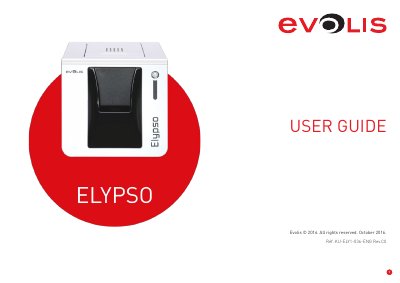
This user guide provides step-by-step instructions for installing, operating, and maintaining the Evolis ELYPSO 1 card printer. It covers connecting power and USB cables, loading cards and ribbons, managing the reject box, and configuring printer settings via Evolis Print Center. Technical specifications include printing speeds, resolution, supported card types, and contact station interfaces.
Safety and warranty information is included, emphasizing proper handling, use of original accessories, and environmental disposal guidelines. The guide also references additional resources like the Evolis Print Center and programming tools for smartcard encoding.
| Printing Speed (YMCKO) | 20.2s/card |
|---|---|
| Printing Speed (YMCKO-K) | 27.3s/card |
| Printing Speed (Monochrome) | 6.5s/card |
| Resolution (Standard) | 300 x 300 dpi |
| Resolution (Customizable) | 300 x 600 dpi (color/monochrome) or 300 x 1200 dpi (monochrome only) |
| Card Thickness | 0.50 to 1.25 mm (20 to 50 mil) |
| Card Format | ISO CR80 - ISO 7810 (53.98 mm x 85.60 mm) |
| RAM | 32MB |
| Color Depth | 16 million colors |
The printer comes with a power supply unit, mains power cable, USB cable, optional reject box, installation CD-ROM, starter cleaning kit, and warranty notice.
The printer accepts cards between 0.50 mm and 1.25 mm thick (20 to 50 mil).
Connect the power cable to the power supply unit, plug the power supply unit into the printer, then plug the power cable into an earthed power socket.