
The Evolis Pebble and Dualys user guide provides installation, operation, maintenance and troubleshooting instructions for these card printers.
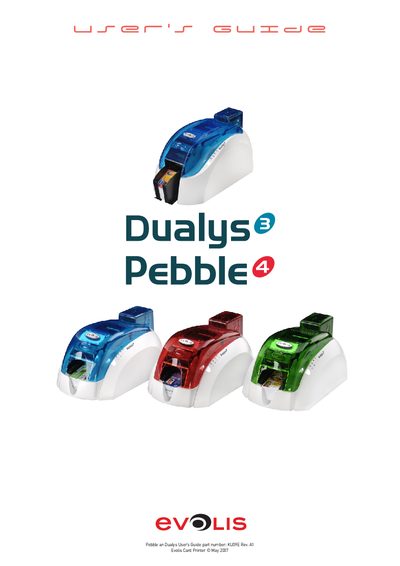
This guide walks users through setting up the Evolis Pebble and Dualys card printers, describing the required accessories, power connections, and safety precautions. It explains how to install the printer, configure drivers, and prepare the device for printing and encoding tasks.
The manual also covers routine servicing, cleaning of the magnetic encoder, firmware updates, and troubleshooting common error messages. Technical specifications, optional accessories, and compliance information are provided for both Pebble and Dualys models.
| Weight | 5.9 kg (Pebble) / 7.4 kg (Dualys) |
|---|---|
| Print resolution | 300 dpi |
| Power supply voltage | 230 V phase‑to‑phase |
| Card thickness range | 0.25 mm – 1 mm |
| Magnetic tracks | Tracks 1‑3 (optional) |
Run a cleaning sequence with pre‑saturated cards; the cleaning card passes through the transport rollers, cleaning roller and encoder head.
Only use the supplied power supply, VP ELECTRONIQUE or SWITCHBOX Type F10723‑A or EA10723.