
This is a user manual for Evolis Card Printer
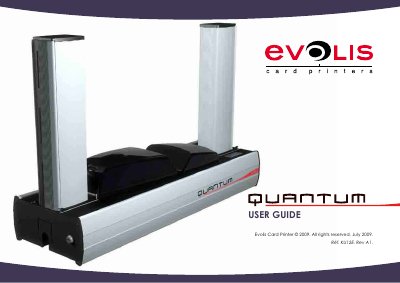
This user guide helps you install and operate your Evolis card printer. It includes instructions for connecting the printer, loading cards and ribbons, and maintaining the device. The guide also covers warranty, environmental recycling, and troubleshooting tips to ensure optimal performance and longevity.
The printer uses Evolis-specific consumables and accessories for best results. Always use the supplied power supply and USB cable. The guide provides detailed diagrams of the printer’s components and step-by-step procedures for setup and maintenance.
The reject hopper is designed to hold cards that are up to 20 x 0.76 mm or 30 mil thick.
The printer automatically switches to standby mode after 10 minutes of inactivity.
The R3011 ribbon produces 200 cards per roll.