
This is a user manual for Evolis Card Printer
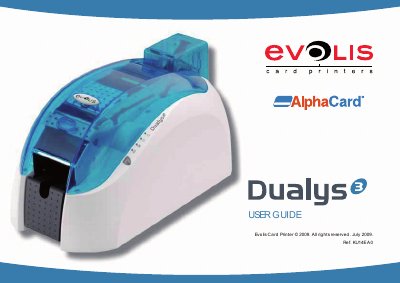
This document is the official user guide for the Evolis KU14E card printer. It covers the complete lifecycle of the device, from unpacking and initial setup to daily operation and maintenance procedures. The guide details how to connect the printer via USB or Ethernet, load ribbons and cards, and use the control panel features. It also includes safety warnings and troubleshooting tips for common issues like cover open errors or no cards detected.
| Print resolution | 300 dpi (11.8 dots/mm) |
|---|---|
| Memory capacity | 16 MB RAM |
| Input feeder capacity | 100 cards |
| Output hopper capacity | 50 cards |
| Supported platforms | Windows XP, 2003, Vista, Mac OS X, Linux |
| Colour printing modes | Colour sublimation and monochrome thermal transfer |
The printer requires a VP ELECTRONIQUE or SWITCHBOX Type F10723-A or Type EA10723 power supply unit.
The printer can print up to 350 cards per hour for monochrome double-sided printing.
For optimum quality, the guide recommends using ISO 7810 certified cards.
Evolis recommends that the printer is fully cleaned every time the ribbon is changed.