
Evolis Primacy Lamination User Guide

This manual is the user guide for Primacy Lamination 1.
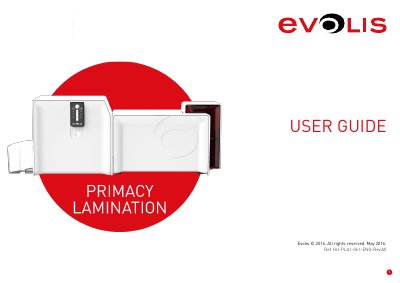

Evolis Primacy Lamination User Guide - cover page
Brand
Evolis
Category
Printer
Document type
User Manual
Language
English
Pages
67
File format
PDF
File size
7.3 MB
Published
17 October, 2023
Updated
17 October, 2023
MD5 checksum
E3CCB0F7A12FFD3DC1AF78BB871179CB

About this manual

The Evolis Primacy Lamination is a printer system designed to create high-quality cards and personalized badges with various lamination thicknesses, colors, and styles. The manual covers the entire user journey, from unpacking and checking accessories to the initial setup and operation.

What's inside

  • Getting Started
  • Unpacking
  • Description of the Printer
  • Installation
  • Connecting the Printer
  • Contact smartcard encoding
  • Computer connection

Specifications

Standby mode timeout10 minutes

Frequently asked questions

What should be done if the control panel does not light up?

Check the installation or the printer is not working properly.

Can the printer and lamination module be connected to power before the driver is installed?

No, the USB data cable should not be connected before the driver installation is complete.

Download PDF (7.3 MB)

More Evolis Manuals


View all Evolis manuals →