
This document is a user guide for the card printer
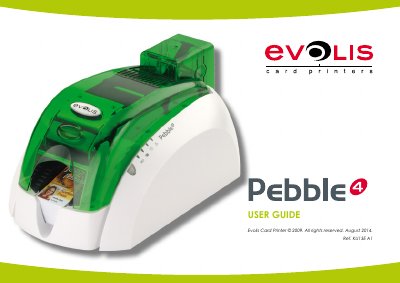
This user guide walks you through installing and operating the Evolis Pebble? card printer. It includes instructions for connecting power and USB cables, installing original ribbons, and cleaning the printer. The guide also explains how to use the built-in RFID encoder for contactless smartcards, including connection methods via USB or RS-232 and positioning requirements for optimal encoding.
The manual emphasizes using only Evolis consumables to avoid damage and warranty voidance, and provides contact information for support and warranty details.
Connect the power cable to the power supply unit, then plug the power cable connector into the printer. Plug the end of the power cable into an earthed power socket. The printer is powered on and the control panel lights up.
The RFID encoder connects via either an RS-232 interface (DB-? socket) or a USB interface, depending on the model.