
This document is a user manual for Evolis Card Printer
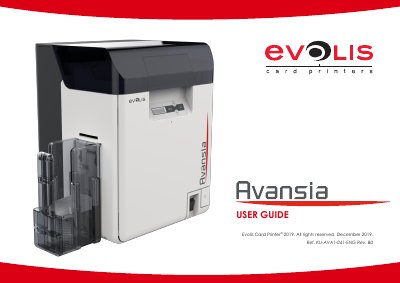
This manual guides users through installing, operating, and maintaining an Evolis card printer. It covers safety precautions, component setup, card handling, and troubleshooting. Technical specifications include print resolution, card capacity, and supported card types. Maintenance tips include cleaning the dust filter and managing ribbon usage for optimal performance.
The printer supports dual-sided printing, color dye sublimation, and various card formats including PVC, PET, and polycarbonate. It includes USB and Ethernet connectivity, and optional security features like RFID locking and Kensington® locks.
| Print Resolution | 600 dpi (23.6 dots/mm) |
|---|---|
| Card Feeder Capacity | 250 cards (0.76 mm - 30 mil) |
| Card Output Hopper Capacity | 250 cards (0.76 mm - 30 mil) |
| Reject Tray Capacity | 30 cards (0.76 mm - 30 mil) |
| Memory | 64 MB (RAM) |
| Interfaces | USB 2.0, Ethernet TCP-IP 10BaseT, 100BaseT |
| Print Speed (Single Side) | 25 seconds per card (144 cards/hour) |
| Print Speed (Dual Side) | 37.5 seconds per card (96 cards/hour) |
The printer supports PVC, composite PVC, PET-F, PET-G, polycarbonate, and ABS cards.
Unplug the lamination module, remove the filter, clean it with a supplied wipe, and reinstall it.
YMCKK ribbon capacity is 400 prints per roll.
Yes, use a security cable compatible with the 0.12"x0.28" (3.00mm x 7.00mm) slot to lock the printer.