
This is a user manual for Evolis Badgy 2, providing information on how to use, maintain and care for the product.
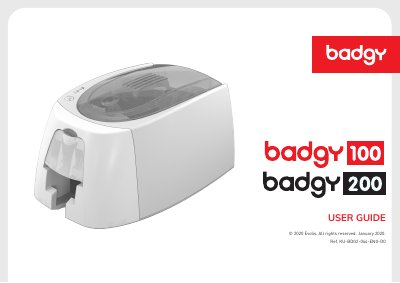
This manual provides step-by-step instructions for installing, operating, and maintaining the Evolis Badgy 2 printer. It covers unboxing, connecting power and USB cables, loading cards and ribbons, printer settings, and troubleshooting. Technical specifications include printing resolution, card capacity, and software compatibility. The guide also includes warranty, environmental, and recycling information.
| Printing Resolution | 260 x 300 dpi |
|---|---|
| Card Feeder Capacity | 25 cards (0.76 mm) / 40 cards (0.5 mm) |
| Print Speed (YMCKO) | 45 seconds per card (80 cards/hour) |
| Software | Badgy Premium Suite® for Windows |
| Ports | USB 2.0 (1.1 and 3.0 compatible) |
16 seconds per card (180 cards/hour).
ISO 7810 certified PVC and composite PVC cards, PET.
Badgy Premium Suite® for Windows, including driver, Badgy Print Center, and Badgy Printer Manager.
100 prints per roll.