
This document is the user manual for the Evolis card printer
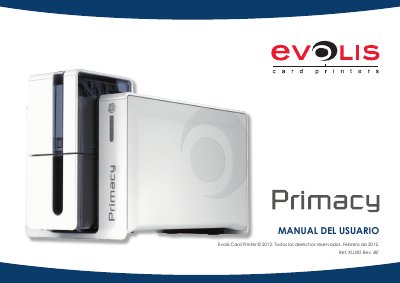
This manual provides step-by-step instructions for installing and operating the Evolis KU30S card printer. It includes details on unboxing, connecting power and USB cables, installing ribbon and cards, adjusting card thickness, and maintenance. The guide also covers warranty registration, environmental information, and safety precautions.
The printer supports ISO 7810 certified cards with thicknesses from 0.25mm to 1.25mm. It features a USB and Ethernet connection, a thermal print head, and a built-in reject tray. Evolis recommends using only original Evolis High Trust® ribbons to avoid damage and maintain warranty validity. This manual is written in Spanish.
| Card Thickness Range | 0.25 mm to 1.25 mm (10 to 50 mil) |
|---|---|
| Reject Tray Capacity | 100 cards maximum |
| Ribbon Compatibility | Evolis High Trust® only |
The printer accepts cards from 0.25 mm to 1.25 mm (10 to 50 mil).
Using non-original ribbons may damage the printer and void the manufacturer’s warranty.
The reject tray can hold up to 100 cards.