
This manual is a user guide for Evolis card printers.
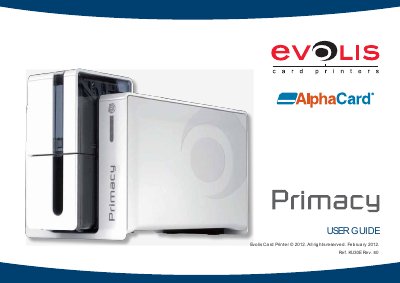
This document is the official user guide for the Evolis KU30E card printer, published in February 2012. It covers the complete lifecycle of the device, from unpacking and initial setup to daily operation and maintenance procedures. The guide details how to connect the printer to power and USB, load ribbons and cards, and adjust settings for different card thicknesses.
| Print resolution | 300 dpi (11.8 dots/mm) |
|---|---|
| Colors | 2 million colours |
| RAM | 16MB |
| YMCKO printing speed | 190 cards/hour |
| Monochrome printing speed | 600 cards/hour |
| Feeder capacity | 100 cards |
| Output hopper capacity | 100 cards |
| Card thickness range | 0.25 to 1.25 mm |
| Card format | ISO CR80 - ISO 7810 |
The feeder capacity is 100 cards.
The factory setting is 0.76 mm, and the gauge can be adjusted for 0.25 mm for monochrome printing only.
Yes, the printer features a single side or double sided print module.