
Evolis KU-034 Card Printer Network Configuration Manual

This document introduces how to configure Evolis printer network, including Wi-Fi and Ethernet configuration methods.
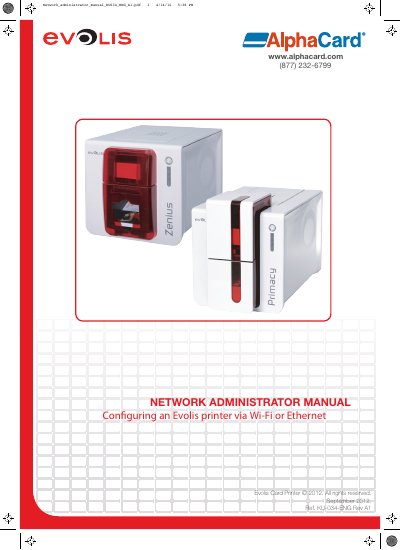

Evolis KU-034 Card Printer Network Configuration Manual - cover page
Brand
Evolis
Document type
User Manual
Language
English
Pages
27
File format
PDF
File size
3.6 MB
Published
17 October, 2023
Updated
17 October, 2023
MD5 checksum
129E70A3A65E8175284EF4C683AA3DF8

About this manual

This manual guides network administrators through configuring Evolis KU-034 card printers for Wi-Fi or Ethernet networks. It covers TCP/IP settings, DHCP, static IP, WINS resolution, and Wi-Fi modes including Ad hoc and Access Point with WEP or WPA-AES security. Configuration can be done via the embedded web server or escape commands. The printer supports IPv4, IGMP for multicast, and hostname identification based on model and serial number.

What's inside

  • Introduction
  • General Remarks
  • Network Configuration
  • Printer Configuration Using Escape Commands
  • Evolis Printer Configuration Settings
  • Examples of Printer Configuration

Specifications

Interface Protocol10Base-T / 100Base-T

Frequently asked questions

What is the default network configuration for the Evolis KU-034 printer?

The printer comes configured in DHCP mode by default.

What is the default state of the Wi-Fi interface on the printer?

The Wi-Fi interface is disabled by default.

What is the printer's hostname format?

The hostname is automatically set as EVO_NNN_XXXXXXX, where NNN is PR1 for Primacy or ZE1 for Zenius, and XXXXXXX is from the serial number.

What is the default Evolis Multicast address used for discovery services?

The default Evolis Multicast address is 224.69.86.79.

Download PDF (3.6 MB)

More Evolis Manuals


View all Evolis manuals →