
This manual is the Evolis Card Printer user guide, which mainly introduces the basic operation methods of the card printer, including installing the printer, connecting the printer, installing the driver, and printing cards.
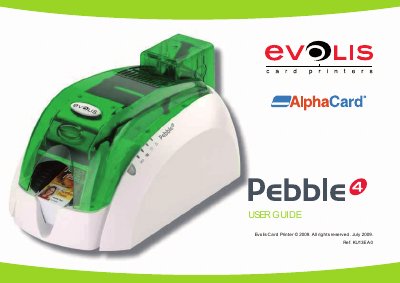
This user guide provides step-by-step instructions for the Evolis KU13E card printer, a device designed to create high-quality cards and badges in various thicknesses, colors, and styles. The manual covers the entire lifecycle of the device, from unpacking and driver installation to daily operation and troubleshooting.
| Print resolution | 300 dpi |
|---|---|
| Memory | 16 MB RAM |
| Input capacity | 100 cards |
| Output capacity | 50 cards |
| Print speed (Color) | 150 cards/hour |
| Print speed (Monochrome) | 1,000 cards/hour |
The printer must use the VP ELECTRONIQUE or SWITCHBOX Type F10723-A or Type EA10723 power supply unit.
No, using ribbons from other suppliers is liable to damage the printer and voids the manufacturer's warranty.
The printer supports cards with a thickness of 0.76 mm or 30 mil.