
The S5 series is a photoelectric sensor series consisting of 11 products. The S5-5-x series are photoelectric sensors with 4 modes, namely light mode, dark mode, NPN mode and PNP mode. The S5-1-x series are proximity switch sensors with light mode and dark mode. The S5-5-x and S5-1-x series have both 3-wire and 4-wire connection methods. The output current of the S5-5-x series is 150mA, and the output current of the S5-1-x series is 100mA. The S5-5-x and S5-1-x series have both DC and AC power supply.
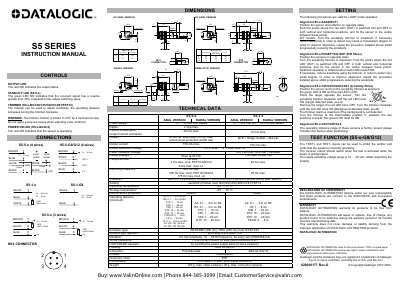
This document provides instructions for the Datalogic S5 series photoelectric sensors, covering various models including axial, radial, and fiber optic versions. It details the indicator LEDs, connection types, and specific settings for different operating modes such as Light/Dark and Proximity.
| Emission type | INFRARED (880 nm) /RED (660 nm) |
|---|---|
| Protection class | IP67 |
| Operating temperature | -25... 55°C |
| Response time | 2ms max |
| Switching frequency | 500 Hz max |
The red LED indicates the output status.
The trimmer can be used to adjust sensitivity; the operating distance increases turning the trimmer clockwise.
The warranty period is 36 months from the manufacturing date.