
Instruction manual for TL46-W contrast sensor introduces the product's control buttons, installation methods, technical parameters and other information
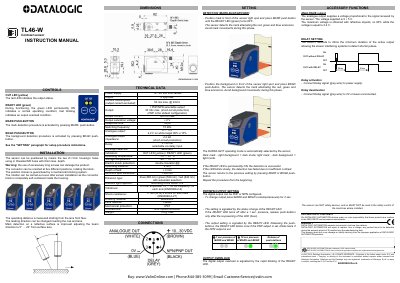
The Datalogic TL46-W is a contrast sensor designed for mark and background detection using red, green, and blue emissions. It features selectable PNP or NPN digital outputs and an analogue output proportional to the signal received. The sensor includes push-buttons for setup and indicators to show operating status.
| Power supply | 10…30 Vdc |
|---|---|
| Current consumption | 50 mA max. @ 24Vcc |
| Output current | 100 mA max. |
| Response time | 33 µs |
| Switching frequency | 15 kHz |
| Operating temperature | -10 … 55 °C |
| Weight | 170 g. max. |
| Connections | M12 5-pole connector |
Press the MARK push-button to activate the mark detection procedure.
A permanently ON green READY LED indicates a normal operating condition.
Press the MARK and BKGD buttons simultaneously for 2 seconds to change the output configuration.
No, the sensors are not safety devices and must not be used in safety control of machines.