
Kodak EasyShare V550 zoom digital camera User's guide
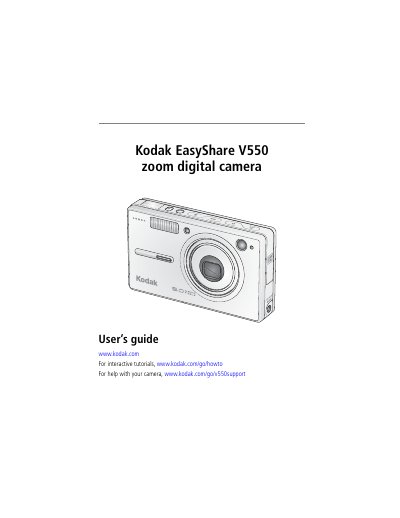
This user guide helps you set up and operate the Kodak EasyShare V550 digital camera. It covers attaching the strap, loading and charging the battery, setting date/time, storing images on SD/MMC cards, taking and reviewing photos and videos, transferring images via USB or photo frame dock, and printing. It also explains camera modes, zoom, flash settings, and troubleshooting common issues.
| Sensor | 1/2.5 in. CCD, 4:3 aspect ratio |
|---|---|
| Output image size | 5.0 MP: 2576 x 1932 pixels |
| LCD | 2.5 in. (4.6 cm) color hybrid LCD, 960 x 240 (230 K) pixels |
| Lens | 3X optical zoom, aspheric all-glass Schneider-Kreuznach lens, f/2.8-4.8 |
| Focus system | TTL-AF; auto, multi-zone, center-spot |
| Exposure metering | TTL-AE Multi-pattern, Center-spot, Center-weighted |
| Digital zoom | Combined zoom settings 3.2 to 12X in 0.2X increments |
Charge the battery until all 4 lights on the camera top are lit (approximately 3 hours).
The LCD is 2.5 inches with 960 x 240 (230 K) pixels.
You can store pictures on an SD or MMC card or use the 32 MB internal memory.