
This document introduces the use of Kodak ESP C310 All-in-One Printer, including connecting to a wireless network, configuring printer settings, setting the default printer, etc.
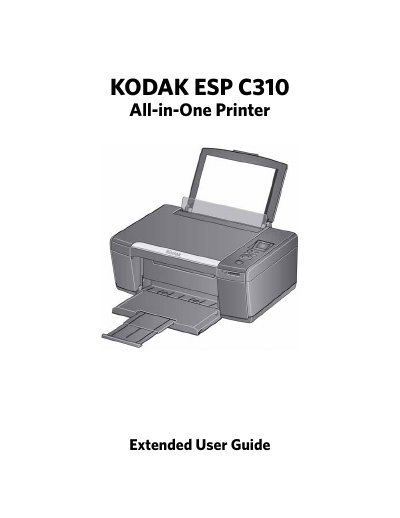
This guide provides step-by-step instructions for using the Kodak ESP C310 All-in-One printer. It covers basic setup, connecting to Wi-Fi, printing documents and photos, copying, scanning, and maintaining the printer. The guide also includes troubleshooting tips and specifications for performance and connectivity.
The printer supports printing, copying, and scanning with features like automatic photo enhancement, cloud printing, and mobile printing via Google Cloud Print and KODAK Email Print Service. It uses a 2-cartridge, 4-ink system and supports USB 2.0 and Wi-Fi 802.11b/g/n for connectivity.
| Print Technology | Continuous-tone, thermal inkjet |
|---|---|
| Print Quality Modes | Draft, Normal, and Best on plain paper; Photo quality mode on photo paper |
| Print Sizes | 2 x 3 in. / 5 x 8 cm to 8 x 10 in. / 20 x 25 cm |
| Scanner Type | Contact Image Sensor (CIS) |
| Maximum Scan Size | 8.5 x 11.7 in. / 22 x 30 cm |
| Ink Cartridges | 2-cartridge, 4-ink system |
| Power Input | 110–240 V AC, 50–60 Hz |
| Dimensions | 16.5 x 6.7 x 12.6 in. / 420 x 170 x 320 mm [L × H x D] |
| Weight | 12.7 lb / 5.7 kg |
| Operating Temperature | 5°C (41°F) to 35°C (95°F), 15 to 85% RH |
The maximum scan size is 8.5 x 11.7 inches (22 x 30 cm).
Maximum scan size is 8.5 x 11.7 in. / 22 x 30 cm.
Power input is 110–240 V AC, 50–60 Hz.
The printer weighs 12.7 lb / 5.7 kg.