
This manual introduces how to use KODAK PIXPRO digital camera
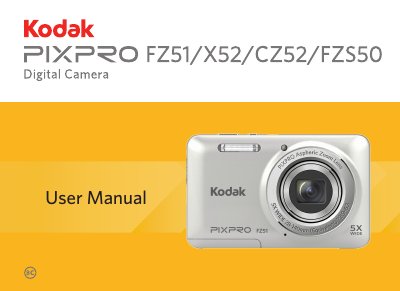
This user manual provides step-by-step instructions for operating the KODAK PIXPRO Digital Camera, including safety precautions, battery and memory card handling, and mode settings. It covers basic operations like taking photos, adjusting settings, and connecting to printers. Safety notes advise against exposing the camera to water, extreme temperatures, or magnetic fields. The camera features a 1/2.3" CCD sensor, 5x optical zoom, and digital zoom up to 30x.
| Image Sensor Type | 1/2.3" CCD |
|---|---|
| Effective Pixels | 16.15 Megapixels |
| Lens Focal Length | 5.1mm (Wide) — 25.5mm (T ele) |
| Optical Zoom | 5x |
| Digital Zoom | 6x (Combined Zoom: 30x) |
The camera uses a 1/2.3" CCD sensor.
The camera has 5x optical zoom.
The camera has 16.15 megapixels effective pixels.
Yes, using the PictBridge function, you can print directly to a compatible printer via a micro USB cable.