
This is a user manual for KODAK 8000 Digital Panoramic System.
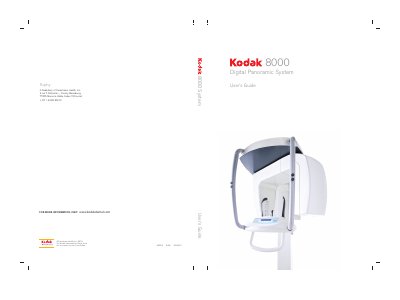
This user guide provides instructions for operating the Kodak 8000 Digital Panoramic System, including unit overview, imaging software, acquiring panoramic and sinus images, maintenance, and troubleshooting. It includes safety warnings, component descriptions, and step-by-step procedures for daily use and error resolution. The guide is intended for dental professionals and includes regulatory information and technical specifications relevant to medical equipment use.
The system comprises a rotative arm, control panel, digital sensor, X-ray source, and software. It supports panoramic, sinus, and TMJ imaging. Safety and regulatory compliance are emphasized, including warnings about restricted sale to physicians and cooling requirements. Troubleshooting covers error codes and quick fixes for common issues like sensor positioning or interface problems.
The KODAK 8000 is designed to carry out panoramic, maxillary sinus, and temporomandibular joint (TMJ) imaging.
If an 'E' message is displayed, the malfunction persists or more serious conditions occur, contact a qualified technician.
Wait for the end of the current acquired image transfer to the Imaging Window. If the problem persists, call a qualified technician.
Wait until the Generator Cooling Indicator on the Acquisition Window reaches zero.