
This document provides a detailed introduction to the Toshiba ESP 5 All-in-One printer's various features, including the memory card slots, control panel layout, USB port, status lights, and control panel screen.
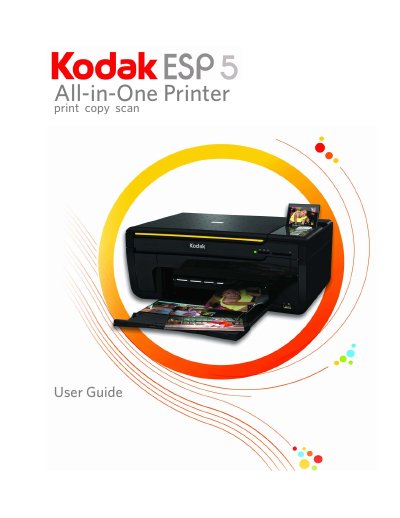
The Kodak ESP 5 All-in-One printer allows users to print, copy, and scan digital images and documents. It features a printhead system with two Kodak high-quality pigmented ink cartridges, a paper tray supporting multiple media types, and a scanner capable of scanning up to A4 or Letter-width originals. The device includes multi-format memory card support and a host USB port for connecting external devices like PictBridge cameras and portable flash-memory drives.
| Black print speed | Up to 30 pages per minute on plain paper |
|---|---|
| Color print speed | Up to 29 pages per minute on plain paper |
| Print technology | Continuous-tone thermal ink jet |
| Paper capacity | 100 sheets of 20 lb plain paper |
| Maximum scan size | 8.5 × 11.7 in. (21.6 × 29.7 cm) |
| Scanner type | Contact Image Sensor (CIS) type scanner |
The printer supports XD-Picture Card, Memory Stick, SD/MMC, Compact Flash, and SDHC cards.
Connect the camera to the Universal Serial Bus host port located on the front of the printer.
The available modes are Draft, Normal, and Best on plain paper, plus Photo quality mode on photo paper.