
This is a user manual about the Kodak EasyShare C122 digital camera
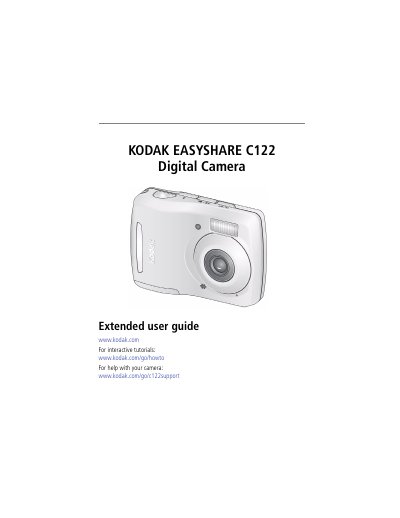
This manual provides step-by-step instructions for setting up the Kodak EasyShare C122, taking photos and videos, sharing content, and editing media. It includes details on camera settings, storage options, and troubleshooting tips. The guide also covers transferring and printing photos, using the built-in help system, and upgrading software.
| CCD | 1/2.5-type |
|---|---|
| Effective pixels | 8.1 MP (3304 x 2480) |
| LCD | 2.4 in. (6.1 cm) LCD; 112 pixels; 4:3 aspect ratio |
| Image storage | Optional SD/SDHC Card (max 32 GB) |
| Internal storage capacity | 16 MB (8.5 MB available) |
| Taking lens | f/4.5; 35 mm equivalent: 38 mm |
| Lens protection | Built-in |
| Digital zoom | 5X continuous |
| Shutter speed | 1/8–1/1400 seconds |
| Long time exposure | 0.5–8 seconds |
| ISO speed | Auto: 80–250; Manual: 80, 100, 200, 400, 800, 1000 |
| Exposure compensation | +/-2.0 EV with 1/3 EV step |
| White Balance | Auto, Daylight, Tungsten, Fluorescent, Open Shade |
| Electronic Flash | Auto flash; Auto, Fill, Red Eye, Off; Guide No. 7 (m) |
| Self-timer mode | 10 second, 2 second, 2 picture timer |
| Capture modes | Auto, Scene modes, Video |
Press the Mode button, then until the LCD displays Auto, then press OK. To change language in the future, use the Setup Menu (see page 29).
The maximum supported card size is 32 GB.
Use the digital zoom by composing the picture and pressing the Shutter button all the way down.
The available white balance settings are Auto, Daylight, Tungsten, Fluorescent, and Open Shade.