
This is an extended user guide for Kodak EasyShare M575 digital camera.
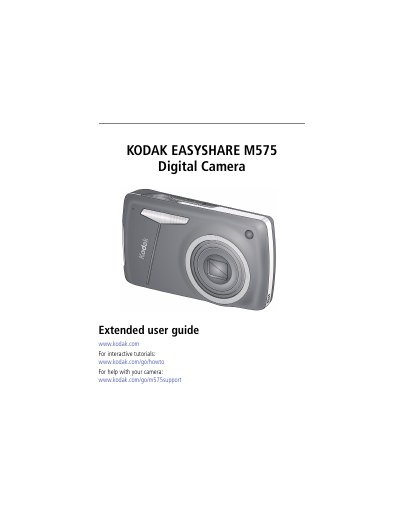
This guide provides step-by-step instructions for setting up your Kodak EasyShare M575, including attaching the strap, loading and charging the battery, and configuring language and date/time. It covers taking photos and videos with various modes and zoom options, sharing and tagging images, reviewing and editing content, and transferring or printing pictures. Troubleshooting and maintenance tips are also included.
| Battery Type | KLIC-7006 |
|---|---|
| SD Card Support | SD/SDHC |
| Optical Zoom | Not specified |
| Digital Zoom | Up to 5X |
| Video Size | Not specified |
The camera offers various modes including auto, backlight, beach, children, fireworks, flower, high ISO, manner/museum, night landscape, night portrait, scene (SCN), self-portrait, snow, and text.
The camera requires the KLIC-7006 battery.
An orange light means the battery is charging, while a green light means charging is finished.
Digital zoom provides up to 5X magnification beyond optical zoom.