
This manual introduces the basic use of EasyShare printer dock, including installation, use and maintenance
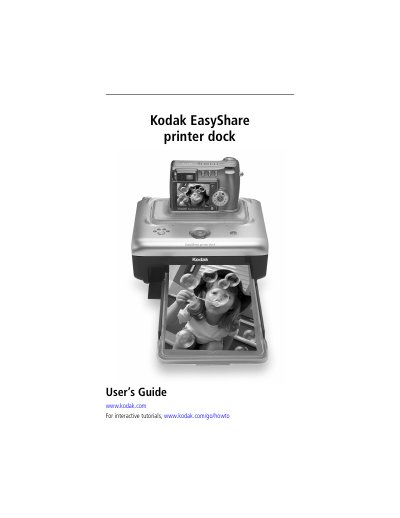
This guide explains how to set up and use the Kodak EasyShare printer dock, including installing the camera insert, connecting power, loading paper and cartridges, and printing from a camera or computer. It also covers troubleshooting common issues and maintaining the device.
The printer dock supports Kodak EasyShare digital cameras and can print 4x6 inch photos using thermal dye transfer technology. It includes a universal camera insert and can be connected to a computer via USB for transferring and printing photos.
| Printing process | Thermal dye transfer |
|---|---|
| Operating environment | Temperature: 50 to 95 °F (10 to 35 °C), Humidity: 10% to 86% RH |
| Print speed (standalone) | ≥ 2 min. |
| Print size | 4 x 6 in. (102 x 152 mm) |
| Picture resolution | 300 ppi, continuous tone |
Remove the universal insert by pushing it toward the back and lifting the front edge, then lift the back edge to remove. Install the custom insert by placing the rear tabs in the slots and pressing the front down to snap into place.
The print speed is ≥ 2 minutes when printing standalone, and ≥ 90 seconds when printing via a computer.
It requires 100 V to 120V AC @ 50/60 Hz (US and Canada) or 100 V to 240V AC @ 50/60 Hz (other countries), with a maximum consumption of 50 watts while printing.