
This file is the instruction manual of Kodak all-in-one printer
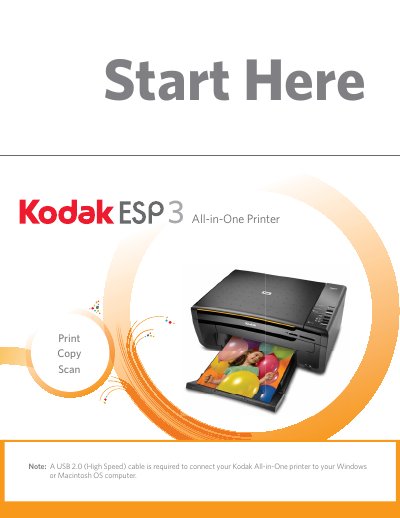
This manual guides users through unpacking, installing the printhead and ink cartridges, connecting power and USB, and installing software. It includes troubleshooting tips and links to support resources.
The guide covers Windows and Mac OS installation steps, power cycling, and verifying correct printhead installation with error indicators.
A USB 2.0 (High Speed) cable is required to connect your Kodak All-in-One printer to your Windows or Macintosh OS computer.
Load the Kodak Inkjet Printer Software CD into the CD-ROM drive. Follow the on-screen prompts when the instructions appear. If instructions do not appear, click Start, then Run. Select CD-ROM drive and type setup.exe, then press ENTER.
Attempt to power cycle the printer by unplugging the printer. Wait 5 seconds, and then plug the power cord back into the printer.