
This manual provides instructions on how to use the Kodak PIXPRO digital camera.
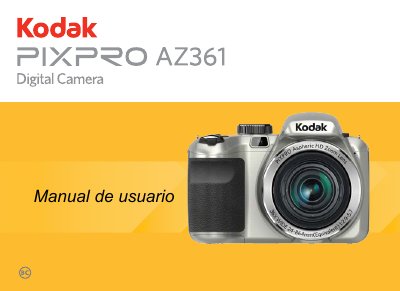
This manual serves as a comprehensive guide for the Kodak PIXPRO digital camera, covering safety precautions, initial setup, and operation. It details how to install the battery and memory card, charge the battery, and turn the device on and off. The guide explains various shooting modes including Auto, Program AE, Aperture Priority, Shutter Priority, and Manual modes, as well as specific scene modes and face beautification features. This manual is written in Spanish.
| Battery Type | Li-ion rechargeable |
|---|---|
| Memory Card Support | SD card |
The package includes the camera, USB cable, CD-ROM, warranty card, Li-ion battery, AC adapter, strap, lens cap, Quick Start Guide, and Service Card.
Do not use abrasive, organic, or alcohol-based cleaners. Use professional microfiber cloth and the indicated cleaner for the lens.