
This document is the operation manual for KYOCERA FS-2100D FS-4100DN FS-4300DN FS-2100DN FS-4200DN multifunction printer
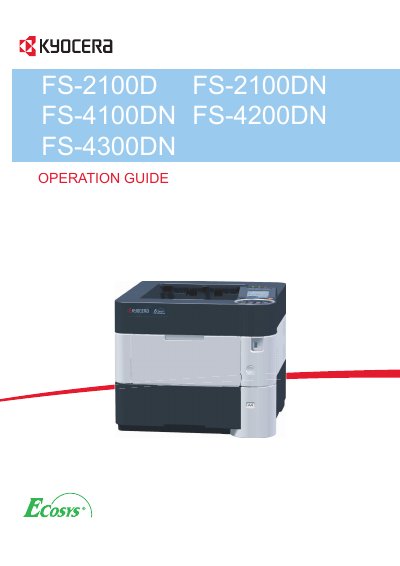
This manual provides step-by-step instructions for operating Kyocera FS-2100D, FS-4100DN, FS-4300DN, FS-2100DN, and FS-4200DN multifunction printers. It covers loading paper, basic printing, troubleshooting, and maintenance tasks. Safety warnings and precautions are included to ensure safe operation. The guide also references additional documents like the Safety Guide and Quick Installation Guide for comprehensive setup.
This Operation Guide is for models FS-2100D, FS-2100DN, FS-4100DN, FS-4200DN and FS-4300DN.
This Operation Guide is intended to help you operate the machine correctly, perform routine maintenance and take a simple troubleshooting action as necessary.
Be sure to read the Safety Guide before using the machine.
We recommend the use of our own brand supplies.