
This is the user manual for ECOSYS P2335dw ECOSYS P2335dn ECOSYS P2335d, which introduces the characteristics and usage of the product
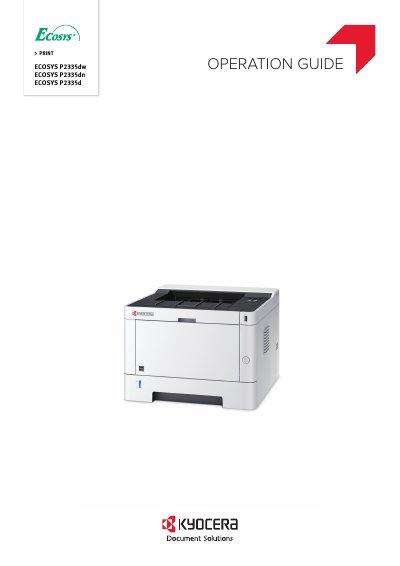
This document serves as the Operation Guide for the Kyocera ECOSYS P2335dw, ECOSYS P2335dn, and ECOSYS P2335d printers. It is intended to help users operate the machine correctly, perform routine maintenance, and take simple troubleshooting measures to ensure the machine is always in optimum condition. The guide recommends using genuine Kyocera toner containers to prevent failure and damage.
The Energy Saver function automatically switches the machine into Sleep Mode to save energy as needed.
The manual recommends using genuine Kyocera toner containers because non-genuine containers may cause failure.
You must check and provide the equipment's serial number before contacting your Service Representative.