
Kyocera ECOSYS PA2100cwx ECOSYS PA2100cx Printer User Manual

This is a user manual for ECOSYS PA2100cwx ECOSYS PA2100cx printer, which contains basic operating methods for the printer, such as driver installation, manual download, etc.
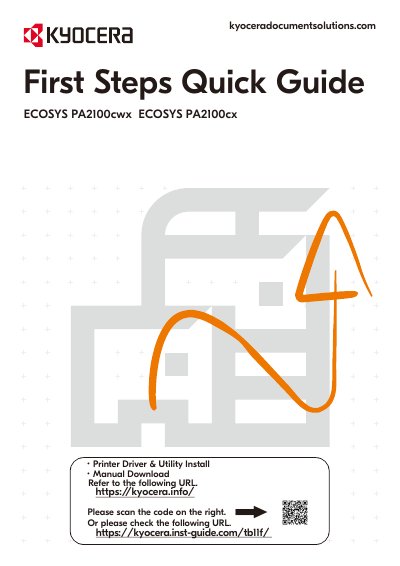

Kyocera ECOSYS PA2100cwx ECOSYS PA2100cx Printer User Manual - cover page
Brand
Kyocera
Category
Printer
Document type
User Manual
Language
English
Pages
32
File format
PDF
File size
2.2 MB
Published
17 October, 2023
Updated
17 October, 2023
MD5 checksum
5C4C1FE405AFA7B6D28E61414E7BF46E

About this manual

This manual provides basic setup instructions for the Kyocera ECOSYS PA2100cwx and PA2100cx printers, including unpacking, connecting cables, loading paper, and installing printer drivers. It also includes a reference to a more detailed manual (B) available on DVD or the Kyocera website for advanced features. The guide is multilingual, with translations in multiple languages including Spanish, French, German, and others.

What's inside

  • Unpacking
  • Setting up the Toner Container
  • Connecting Cable
  • Loading Paper
  • Connecting Power Cord
  • Printer Driver & Utility Install
  • Manual Download

Frequently asked questions

What is the Admin ID and password for the login screen?

The Admin ID is 2100 and the password is 2100.

What network standards does the printer support?

The printer supports 10Base-T, 100Base-TX, and 1000Base-T.

Download PDF (2.2 MB)

More Kyocera Manuals


View all Kyocera manuals →