
This document is the quick guide of ECOSYS M8130cidn ECOSYS M8124cidn, introducing the basic operations of the equipment.
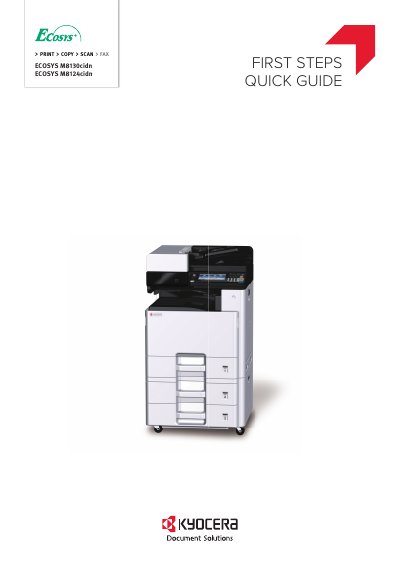
This guide explains the basic operations of the Kyocera ECOSYS M8130cidn and M8124cidn multifunction printer. It covers initial setup, connecting cables, loading paper, and clearing paper jams. For detailed instructions, refer to the Operation Guide (B) on the Product Library disc.
The guide is multilingual, providing instructions in multiple languages including English, Spanish, French, German, and others, to assist users worldwide. This manual is written in Chinese.
This guide covers basic operations of the machine, including setup, paper loading, cable connection, and clearing paper jams.
For more information, see the Operation Guide (B) on the Product Library disc.