
ECOSYS P5021cdn/ECOSYS P5021cdw/ECOSYS P5026cdn/ECOSYS P5026cdw OPERATION GUIDE

This Operation Guide will help you operate the machine correctly, perform routine maintenance, and take simple troubleshooting measures as needed so that the machine can always be used in the optimum condition.
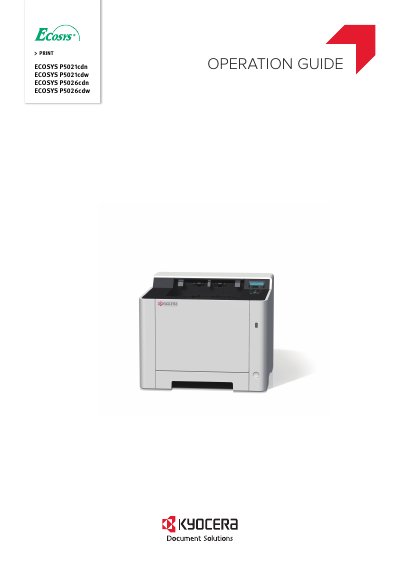

ECOSYS P5021cdn/ECOSYS P5021cdw/ECOSYS P5026cdn/ECOSYS P5026cdw OPERATION GUIDE - cover page
Brand
Kyocera
Category
Printer
Document type
User Manual
Language
English
Pages
232
File format
PDF
File size
7.3 MB
Published
17 October, 2023
Updated
17 October, 2023
MD5 checksum
7DC55BDE8EDDC8A56DD19E784C50E60A

About this manual

This Operation Guide is designed to help users operate Kyocera ECOSYS P5021cdn, P5021cdw, P5026cdn, and P5026cdw machines correctly. It covers routine maintenance, simple troubleshooting measures, and ensures the machine is used in optimum condition. The guide recommends using genuine Kyocera toner containers to prevent failure and avoid liability for damages caused by third-party supplies.

What's inside

  • Legal and Safety Information
  • Installing and Setting up the Machine
  • Preparation before Use
  • Printing from PC
  • Operation on the Machine
  • Setup and Registration (System Menu)
  • User Authentication and Accounting
  • Troubleshooting
  • Appendix

Frequently asked questions

What is the purpose of the Energy Saver function?

The machine is equipped with Energy Saver function that automatically switched into Sleep Mode.

What function allows printing on both sides of the paper?

You can reduce paper use with Paper Saving Printing.

Download PDF (7.3 MB)

More Kyocera Manuals


View all Kyocera manuals →