
This is an operation guide for the ECOSYS P2040dn ECOSYS P2040dw printer, which mainly introduces the basic operations and common troubleshooting methods of the printer.
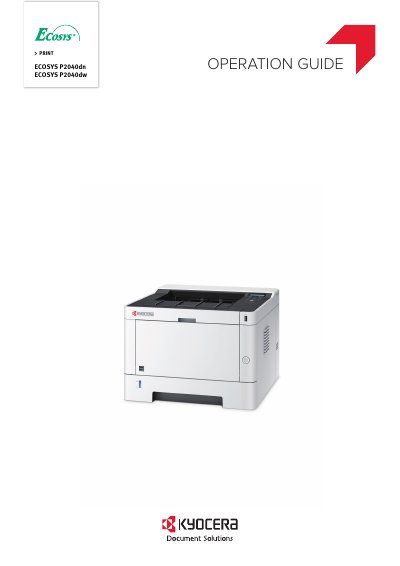
This Operation Guide provides step-by-step instructions for setting up and operating the Kyocera ECOSYS P2040dn and P2040dw printers. It covers connecting cables, configuring network settings, loading paper, printing from PCs and USB devices, and managing user accounts. The guide also includes troubleshooting tips for common issues like paper jams and toner replacement.
Maintenance and security features are detailed, including energy-saving modes, quiet operation, wireless connectivity, and card authentication. Users are advised to use genuine Kyocera supplies to avoid potential damage and warranty issues.
The machine is equipped with Energy Saver function that automatically switched into Sleep Mode.
You can save toner consumption with this function.
You can temporarily save a printer document in the machine.
You can make the machine quiet by reducing its running noise.