
Kyocera ECOSYS P7035cdn Operation Guide

This is a manual of HP ECOSYS P7035cdn printer
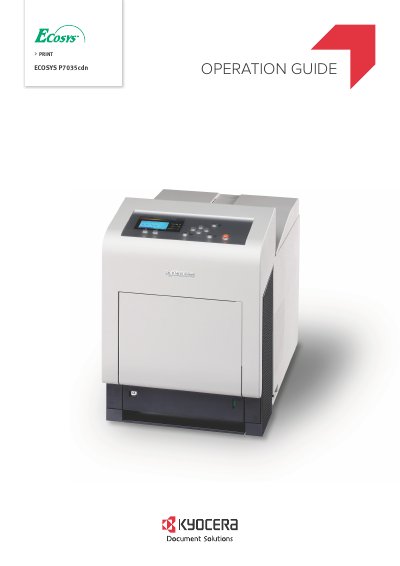

Kyocera ECOSYS P7035cdn Operation Guide - cover page
Brand
Kyocera
Category
Printer
Document type
User Manual
Language
English
Pages
255
File format
PDF
File size
7.8 MB
Published
17 October, 2023
Updated
17 October, 2023
MD5 checksum
DF48F8F7C730223E14D4C4B31A9E0883

About this manual

This Operation Guide covers the setup and daily use of the Kyocera ECOSYS P7035cdn printer. It includes instructions for printing operations, handling various paper types, and configuring the operation panel and network settings. The guide also details how to install the printer driver and use features like AirPrint and Command Center RX.

What's inside

  • Legal and Safety Information
  • Machine Parts
  • Printing Operation
  • Handling Paper
  • Using the Operation Panel
  • Maintenance
  • Troubleshooting
  • Interface
  • Specifications

Specifications

Emulation ModePCL

Frequently asked questions

What emulation mode is the printer factory-set to?

The printer is factory-set to emulate the PCL.

Can I use AirPrint with this printer?

Yes, the guide includes instructions for printing by AirPrint.

Download PDF (7.8 MB)

More Kyocera Manuals


View all Kyocera manuals →