
This file is the operation guide for Kyocera ECOSYS P6235cdn and P7240cdn printers. It introduces the basic functions and operation methods of the printer, as well as the daily maintenance and troubleshooting
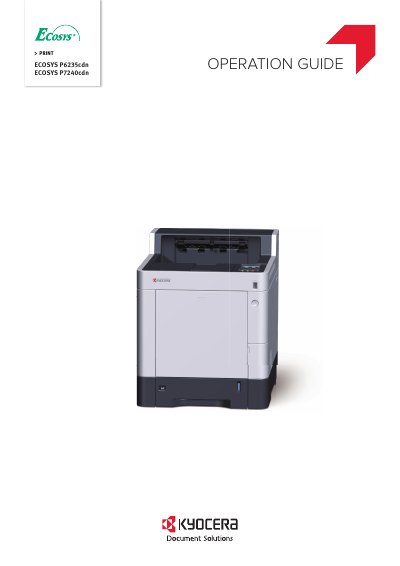
This Operation Guide is intended to help users operate the Kyocera ECOSYS P6235cdn and ECOSYS P7240cdn machines correctly, perform routine maintenance, and take simple troubleshooting measures. It includes instructions for installing software, configuring network settings, and using various printing functions such as EcoPrint and Duplex printing.
| Document Type | Operation Guide |
|---|---|
| Covered Models | ECOSYS P6235cdn, ECOSYS P7240cdn |
This guide helps you operate the machine correctly, perform routine maintenance, and take simple troubleshooting measures.
Yes, we recommend using genuine Kyocera toner containers because non-genuine ones may cause failure.
The equipment's serial number is printed in a specific location on the machine, which is shown in the figure on page 2.