
The document is the user manual of M40T mouse, which details the use of the mouse, installation instructions, troubleshooting and other
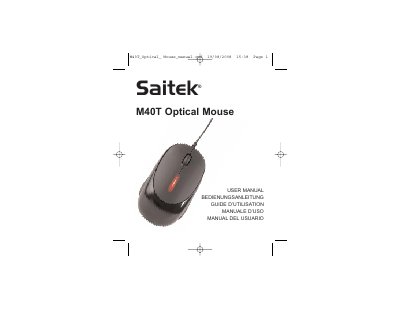
The document serves as a comprehensive guide for setting up and using the Saitek M40T Optical Mouse. It details how to connect the device via USB to compatible PC systems running Windows XP/Vista or Mac OS X, including steps to follow the installation wizard.
Additionally, the manual covers essential safety information regarding ergonomics to prevent hand and wrist injuries, along with specific troubleshooting procedures for issues such as the mouse not being detected by the system.
The mouse is compatible with PCs running Windows XP, Windows XP 64-bit, Windows Vista, and Mac OS X.
The warranty period is 2 years from the date of purchase, provided you have proof of purchase.
You should consult a qualified health professional immediately if you feel pain, numbness, or weakness in your hands, wrists, arms, neck, or back.